


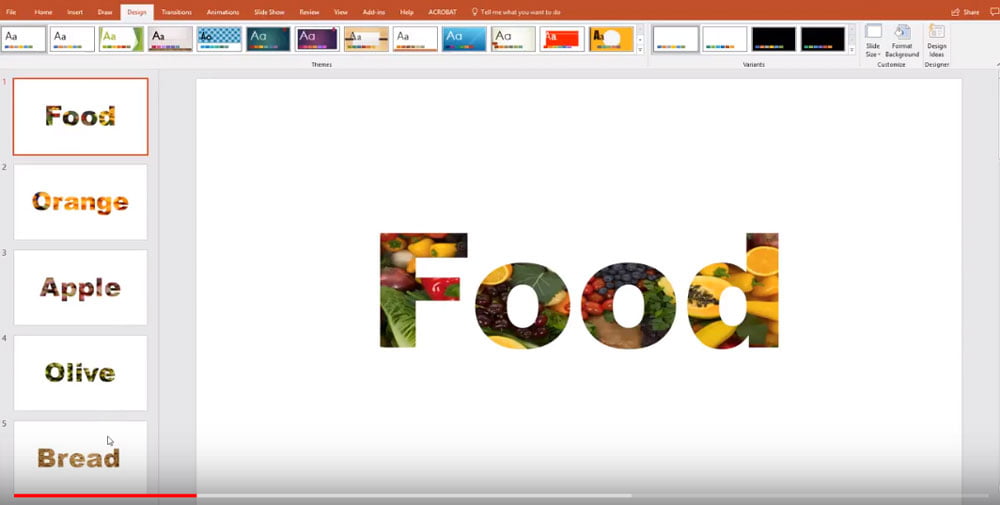


There are a several Text Fill options in PowerPoint that work pretty much the same way as the Shape Fill options do. In this short video, Lesley Barringer shows you how to put images into your text to change this:

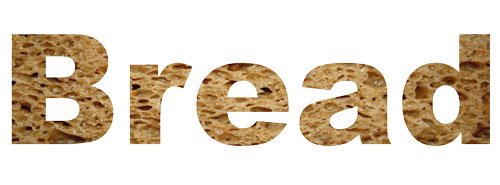
As you can see from the example above, this type of picture fill works best with larger and thicker text. Used wisely, with carefully chosen images, this type of effect can really make your slide stand out.
It’s so simple to do. Learn how in this short video:

This is just one in a series of User Guide videos that we’ve made to help you. You can check out our YouTube channel for more.


Rosie Hoyland
Commissioning Editor at Presentation Guru
Rosie was the Commissioning Editor at Presentation Guru. She is a writer and content creator and has worked for many years as a print and digital designer.
Latest posts by Rosie Hoyland (see all)
- Now Is the Time to Look at Webinars - 13th March 2020
- The Only PowerPoint Templates You’ll Ever Need - 26th March 2019
- 12 Tips for the Technologically Challenged Speaker - 25th March 2019
- The Best Way to Protect Yourself from Misleading Graphs - 17th January 2019
- 3 Tips to Boost Your Confidence - 13th September 2018